
On this page
- Checklist Before You Download the Mirana Club App APK
- How to Download and Install the Mirana Club App on Android
- Allowing "Unknown Apps" on Different Android Versions
- What to Do If Play Protect Shows a Warning
- How to Check You Have the Latest Version
- Storage and Permissions
- Uninstalling and Reinstalling the App
- Mirana Club App Requirements
This page is a complete walkthrough of the Mirana Club App download for Android phones and tablets. If you have never installed an app from outside the Play Store before, do not worry: it takes only a few taps, and we explain every pop-up you are likely to see along the way. We also cover how to confirm you have the latest version and what to do if Android refuses to install the file.
Quick reminder: miranaclubapp.com is an independent guide. Always download the app from the official Mirana Club download page, which our buttons point to.
Checklist Before You Download the Mirana Club App APK
Spend thirty seconds on these checks first. They prevent almost every install problem we hear about.
- Android version: open Settings → About phone and check that you have Android 5.0 or newer.
- Free space: the APK is only about 25 KB, but Android needs a little extra room to unpack it. A few megabytes of free storage is plenty.
- Stable internet: use Wi-Fi or a steady mobile connection so the file does not download half-way.
- Official source only: do not install an APK that a stranger sent you in a chat. Modified files can steal login details.
- Your browser: Chrome works well, but any up-to-date Android browser can download the file.
How to Download and Install the Mirana Club App on Android
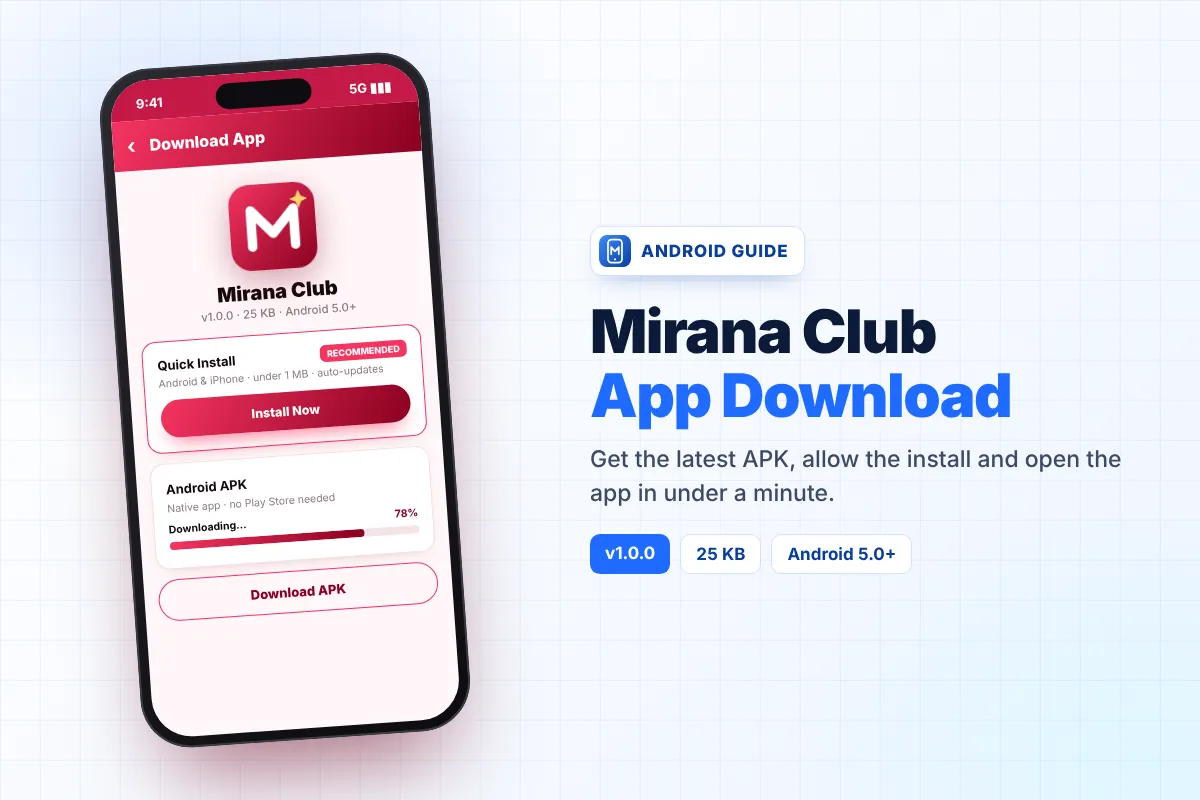
- Open the download page By tapping the Download button on this page.
- Choose "Download APK" Under the Android option. If you would rather not install a file at all, choose Quick Install instead – it adds the app to your home screen in one tap.
- Confirm the download If your browser asks whether you want to keep the file.
- Tap the finished file In the notification bar or in your Downloads folder.
- Allow the install When Android asks for permission to install unknown apps (see the next section for your Android version).
- Tap Install, then Open. Log in with your phone number and password, or create a new account.
Allowing "Unknown Apps" on Different Android Versions
Android protects you by blocking app files that do not come from the Play Store. You need to give permission once. Where that switch lives depends on your Android version.
| Android version | Where the setting is | What to do |
|---|---|---|
| Android 8.0 and newer | Per app: Settings → Apps → your browser → Install unknown apps | Turn on "Allow from this source" for the browser you used to download the file. Android usually opens this screen for you automatically. |
| Android 5.0 to 7.1 | One global switch: Settings → Security → Unknown sources | Turn on Unknown sources, install the app, then turn it off again if you like. |
Phone makers sometimes rename these menus. On Samsung, Xiaomi, Oppo, Vivo and Infinix phones you can simply search "unknown" in the Settings search bar to jump straight to the right switch.
What to Do If Play Protect Shows a Warning
Google Play Protect scans every app you install. Because the Mirana Club App is not listed on Google Play, Play Protect may show a message such as "App not scanned" or "Unsafe app blocked".
- If the message offers "Install anyway" or "More details → Install anyway", you can continue – this simply means Google has not reviewed the file.
- If you are not sure the file came from the official page, stop and delete it. Download a fresh copy from the official link instead.
- Do not turn Play Protect off completely. It protects the rest of your phone.
Prefer to avoid these warnings? The Quick Install option does not install an APK at all. It adds a home-screen app that opens in full screen and updates itself, and it works on both Android and iPhone.
How to Check You Have the Latest Version
At the time of writing, the official download page lists version 1.0.0. To see which version is on your phone, open Settings → Apps → Mirana Club and look at the version number at the bottom of the App info screen. If it is older than the one on the download page, install the new file over the old one. Our Mirana Club app update guide explains this in detail.
Storage and Permissions
Because the app is so small, it barely touches your storage. It works by loading the live lobby, so most of what you see comes from the internet rather than from files on your phone. That also means you need an internet connection to play.
The app does not need access to your contacts, photos or SMS to work. If any version of "Mirana Club" you find asks for unusual permissions such as reading your messages, do not install it – it is not the official file.
Uninstalling and Reinstalling the App
Reinstalling is the quickest fix for most problems, and it is safe because your balance is stored on your account, not on the phone.
- Remove the old app Press and hold the icon and choose Uninstall, or go to Settings → Apps → Mirana Club → Uninstall.
- Restart your phone To clear anything left in memory.
- Download a fresh copy From the official page and install it again.
- Log in With the same phone number and password. If you forgot the password, use the email reset explained on our app login page.
Mirana Club App Requirements
| Operating system | Android 5.0 or newer |
|---|---|
| APK file size | About 25 KB |
| Quick Install size | Under 1 MB |
| Internet | Required (Wi-Fi or mobile data) |
| Play Store account | Not needed |
| Latest version | 1.0.0 (October 2026) |
| Cost | Free |
Using an iPhone or a computer instead? Jump to the Mirana Club app for iPhone or Mirana Club app for PC guides.
Ready to Install?
Download the latest Mirana Club App, then create your account in the app – it takes about two minutes. Need help signing up? See our register guide.
Frequently Asked Questions
How big is the Mirana Club App download?
The Android APK is only about 25 KB, and the Quick Install option uses under 1 MB. Both load the live lobby from the internet, which is why they are so small.
Which Android version does the Mirana Club App need?
Android 5.0 or newer. Almost every phone sold in the last several years meets this requirement.
Why does my phone say the file can harm my device?
Android shows this warning for every app that does not come from Google Play. If you downloaded the file from the official Mirana Club page, you can allow the install. If you got it from anywhere else, delete it.
Where do I find the downloaded APK file?
Swipe down to open the notification bar and tap the finished download, or open the Files or My Files app and look in the Downloads folder.
Will I lose my money if I uninstall the app?
No. Your balance and bonuses are tied to your account on the platform, not to the app on your phone. Reinstall and log in with the same details to see them again.
Should I choose Quick Install or the APK?
Quick Install is lighter, avoids Android's unknown-app warning and updates itself. The APK gives a more traditional app with its own icon and splash screen. Both use the same account.