On this page
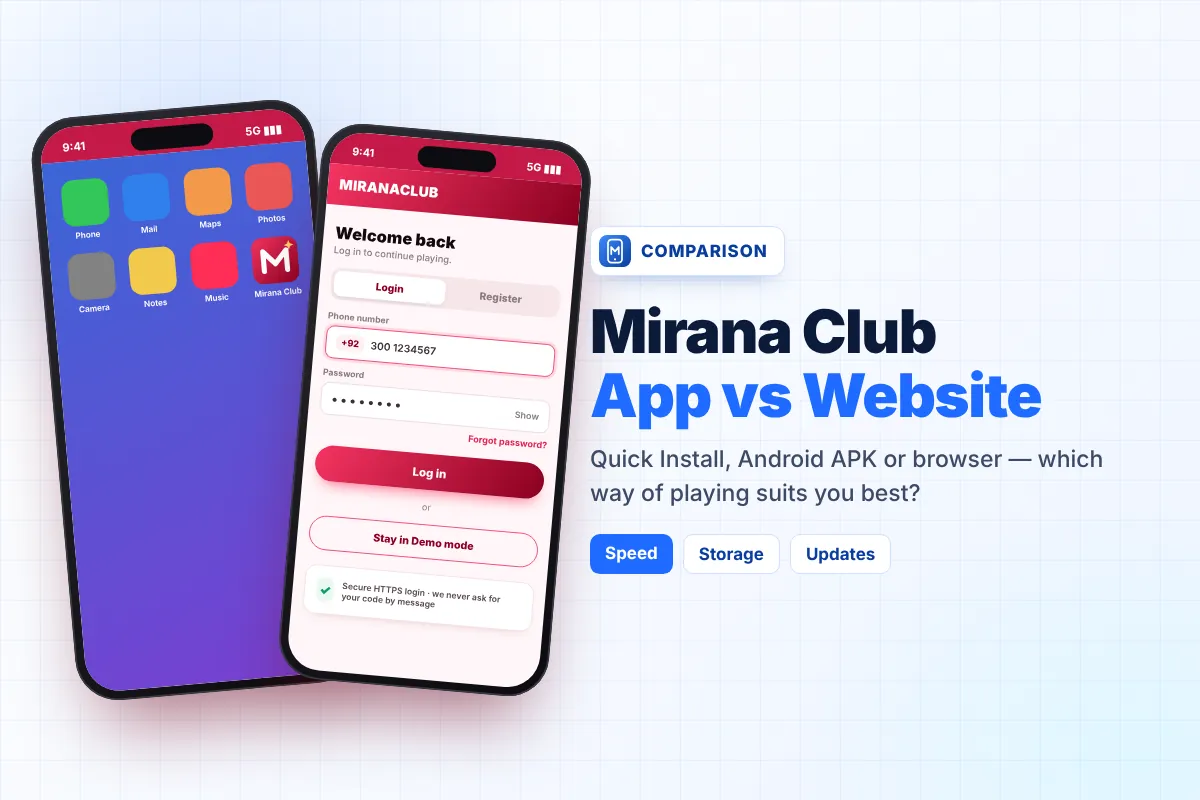
There are three ways to use Mirana Club on your phone: the Quick Install web app, the native Android APK, or simply opening the site in your browser. All three use the same account and the same wallet, so the choice is only about comfort, speed and storage. This Mirana Club app vs website comparison helps you pick the right option in one minute.
Short answer: Android users who want the most "real app" feeling should use the APK, iPhone users should use Quick Install, and anyone on a shared or very old phone can stay in the browser.
The Three Options Explained in Simple Words
Quick Install (web app)
Adds a Mirana Club icon to your home screen from the download page. It opens full-screen like an app, uses under 1 MB and updates itself.
Android APK
A real Android package (about 25 KB, version 1.0.0) that you install directly. It gets its own icon and splash screen. No Play Store account is needed.
Browser
You just open the Mirana Club site in Chrome, Safari or any browser and log in. Nothing is installed at all.
Side-by-Side Comparison Table
This table compares the points players ask about most. The details come from the official download page at the time of writing (October 2026).
| Feature | Quick Install | Android APK | Browser |
|---|---|---|---|
| Install size | Under 1 MB | About 25 KB file | Nothing to install |
| Updates | Automatic | Install new version when released | Always the latest |
| Speed to open | Fast, one tap | Fast, one tap | Slower: open browser, type address |
| Storage used over time | Small (browser cache) | Small | Small (browser cache) |
| Full-screen view | Yes | Yes | No, browser bar visible |
| Notifications | Depends on browser and phone settings | Depends on app permissions | Usually no |
| iPhone support | Yes (Safari, Add to Home Screen) | No (Android only) | Yes |
| Needs "unknown apps" permission | No | Yes | No |
Your account works the same in all three. You can log in with the APK today and with the browser tomorrow, and your balance will be the same.
Which Option Should You Choose?
Choose Quick Install if…
- You use an iPhone (this is the only "app-like" way on iOS). See our Mirana Club app for iPhone guide.
- You do not want to change any security settings on Android.
- You never want to think about updates.
Choose the Android APK if…
- You want the most native feel, with its own icon and splash screen.
- You are comfortable allowing one app install from your browser.
- Your phone runs Android 5.0 or newer.
Stay in the browser if…
- You share the phone with family and do not want an icon on the home screen.
- Your phone is very old or very low on storage.
- You only check your account once in a while.
How to Switch Between Them
Switching is easy because nothing is tied to the phone. To move from the browser to Quick Install, open the download page and tap Install Now. To move from Quick Install to the APK, download the APK from the Mirana Club app download page, install it, and then remove the old home-screen icon so you do not get confused. Log in with the same phone number and password each time.
Set Up Each Option in Under a Minute
Quick Install
- Open the download page Use Chrome on Android or Safari on iPhone.
- Tap Install Now On iPhone, tap the Share icon and choose Add to Home Screen instead.
- Confirm with Add The Mirana Club icon appears on your home screen. Tap it and log in.
Android APK
- Tap Download APK Wait for the small file to finish downloading.
- Allow the install If Android asks, allow your browser to install unknown apps.
- Open and log in Tap Install, then Open, and sign in with your phone number and password.
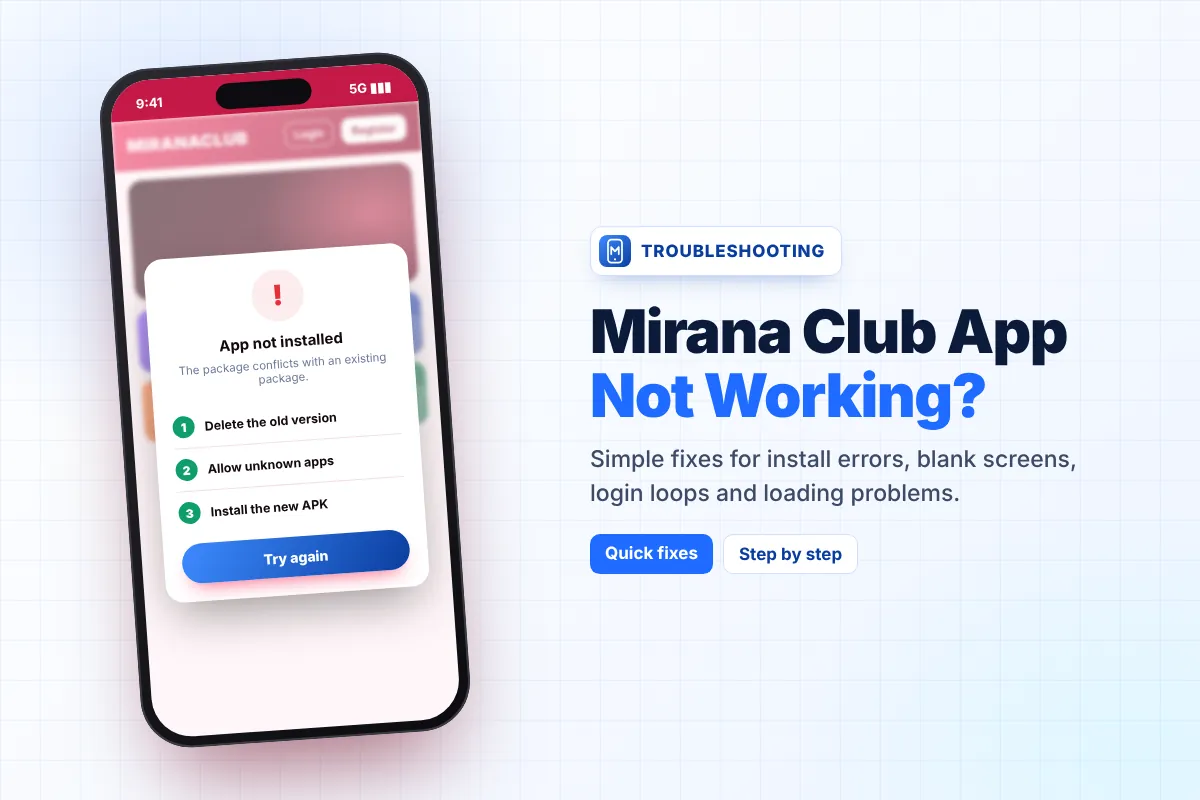
If the APK shows an error during these steps, our Mirana Club app not working guide covers every common message. To keep the APK current later, follow the Mirana Club app update guide.
What About Using It on a Computer?
On a laptop or desktop, the browser option works best. In Chrome or Edge you may also see an "Install" icon in the address bar, which creates a desktop shortcut for the web app. Our Mirana Club app for PC guide explains this step by step, plus the emulator route for people who prefer the Android version.
Speed and Data Tips for All Three
- Use Wi-Fi for deposits and withdrawals so payment pages do not time out.
- Close other heavy apps while playing fast games like Aviator or Win Go.
- Keep at least 500 MB of free storage so the system can cache pages smoothly.
- If one option starts acting strangely, try another for a day. Since the account is the same, you lose nothing.
Why an app option helps
- One-tap opening from the home screen
- Full-screen play with fewer distractions
- Easier to find the official site again
Things to keep in mind
- APK needs the unknown-apps permission
- No listing on Google Play or the App Store
- Notifications depend on your phone settings
Get the Version That Suits You
Pick Quick Install for iPhone or no-settings setup, or the APK for a native Android app.
Frequently Asked Questions
Is the Mirana Club app better than the website?
Both use the same account and games. The app options (Quick Install or APK) open faster and run full-screen, while the browser needs nothing installed. Choose based on your phone and comfort.
Which Mirana Club app version should iPhone users choose?
Quick Install. Open the download page in Safari, tap Share, then Add to Home Screen. The Android APK does not work on iPhone.
Does the Quick Install version update automatically?
Yes. Quick Install always loads the latest version, so you do not need to download updates by hand.
Can I use both the APK and the browser with one account?
Yes. Log in with the same phone number and password on any option. Your balance and history stay the same.
How much storage does the Mirana Club app need?
Very little. The APK file is about 25 KB and Quick Install uses under 1 MB, but keep around 500 MB free so your phone can cache pages smoothly.